Complete your profile
What a complete profile needs, why it matters, and how to choose who can see it.
Updated 2 October 2026
Your profile is how people on SEOgenz and in search engines find you. A complete profile appears in the People directory, can be found by search engines when it is public, and lifts the limits on new accounts.
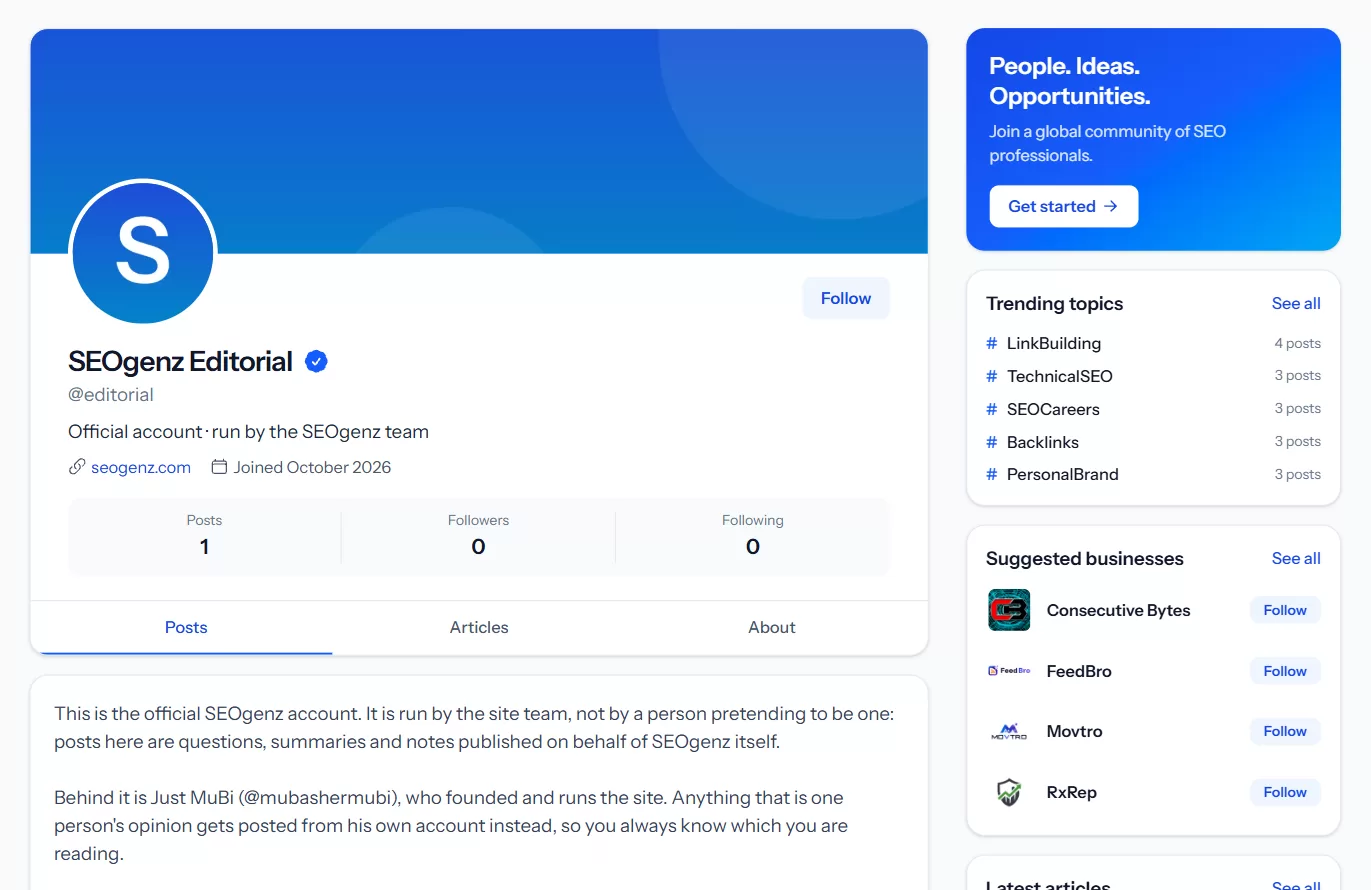 A profile page: photo, name and headline, with Posts, Articles and About tabs.
What a complete profile needs
Open Settings → Profile and add:
- A profile photo (JPEG, PNG or WebP).
- A professional title, for example "Technical SEO consultant".
- A bio of at least 150 characters: what you do, who for, and what you are good at.
- Your country. A city is optional.
- At least 3 skills. You can add up to 15.
The settings page shows a checklist and how far along you are.
Make it more useful
These are optional, but they help people decide to contact you:
- Experience: your background in plain text, up to 2,000 characters.
- Services: up to 6 services you offer.
- Links: up to 5, such as your website, LinkedIn or portfolio. Links on profiles are marked as user-generated content (
ugc nofollow). - A cover image.
Who can see your profile
In Settings → Profile choose the visibility:
- Public: anyone can see it, and search engines can index it once it is complete.
- Members only: only signed-in SEOgenz members can see it, and it is never indexed.
- Private: only you can see it.
Your email address is never shown on your profile.