Write and publish an article
Publish an article on SEOgenz: what it needs, how to format it, and how editorial review works.
Updated 2 October 2026
Members can publish articles on SEOgenz. Every article is reviewed before it goes live, and readers can comment on it.
Write the article
- Open Dashboard → Articles and choose Write an article.
- Before you can submit, the article needs:
- a title of at least 10 characters;
- an excerpt of at least 50 characters (shown in lists and search results);
- at least 300 words in the body;
- a category.
- Add up to 5 tags, and a featured image if you have one.
- Select Submit for review. You can have up to 3 articles waiting for review at a time.
Format with Markdown
The body uses Markdown:
- Start a section with
##for a heading. Articles with three or more sections get an "In this article" contents box with links to each one. - Use
**bold**,*italic*, lists with-or1., and>for quotes. - Write links as
[text](https://example.com).
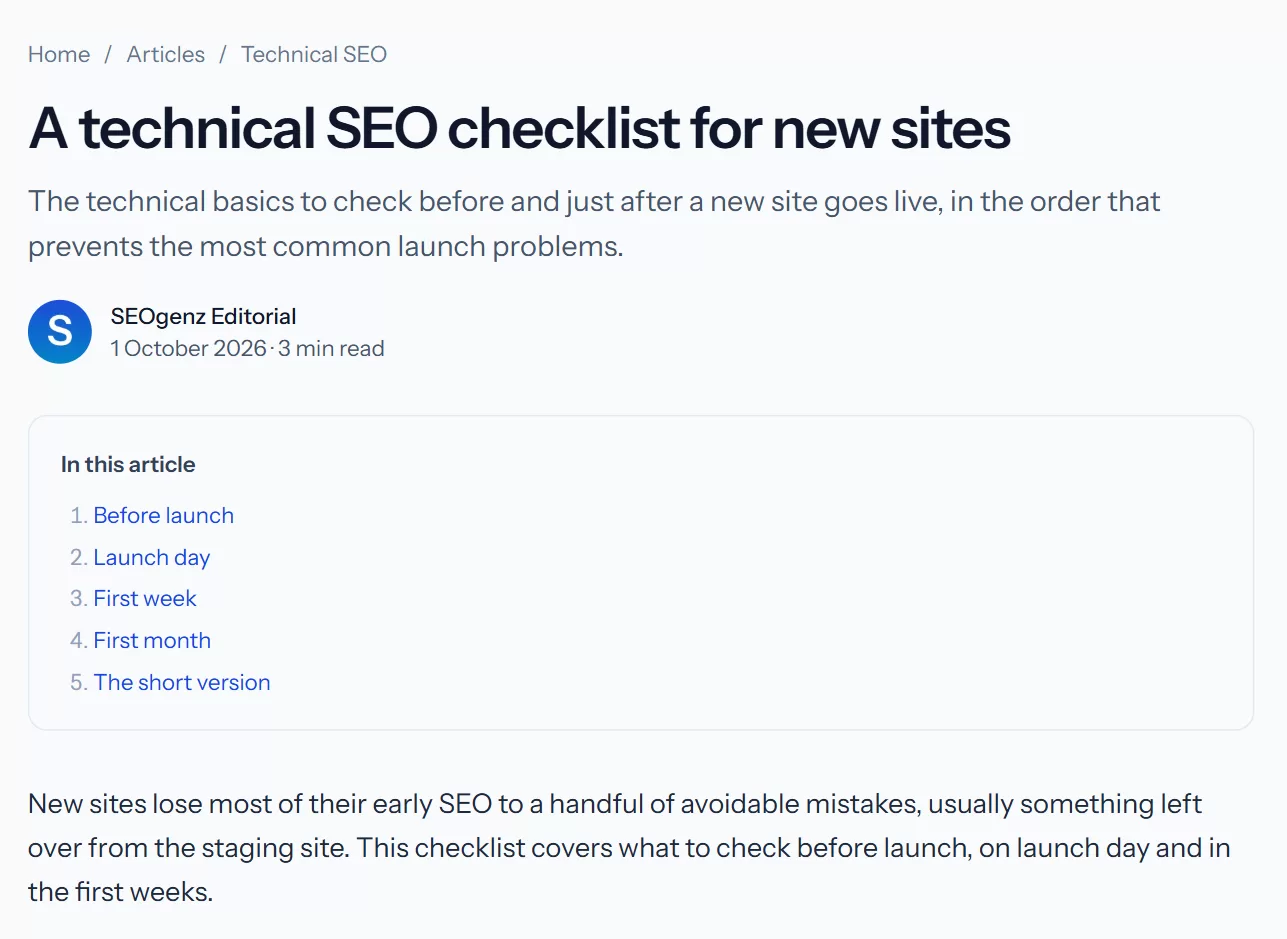 Sections you start with "## " become the "In this article" contents box.
Review and links
Moderators check articles against the content guidelines: useful, original, honest, and not written to place links. You get a notification when the article is published or needs changes.
Links in member articles are marked as user-generated (ugc nofollow) by default. Our editors may lift that after checking an article's links; this cannot be requested or bought.
Once published, your article appears in Articles, on your profile, and in search engines.