Create your SEOgenz account
Sign up in a minute, confirm your email address and choose a username for your profile address.
Updated 2 October 2026
Joining SEOgenz is free. You need a name, a username, an email address and a password.
Sign up
- Open the sign-up page.
- Enter your full name as you want it shown on your profile.
- Choose a username: lowercase letters, numbers and underscores. It becomes your profile address, for example seogenz.com/@your_name.
- Enter your email address and a password of at least 12 characters.
- Select Create account.
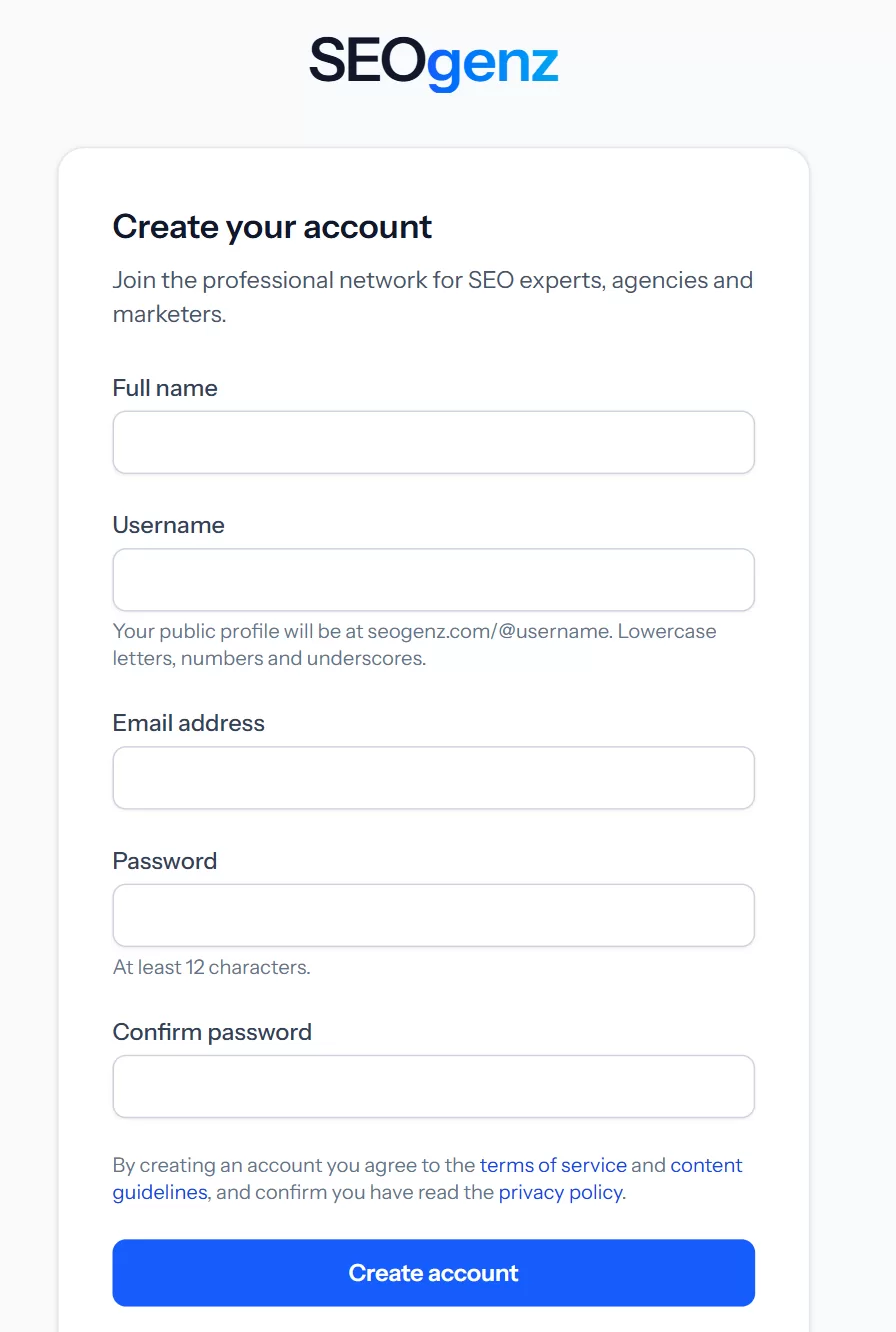 The sign-up form. Your username becomes your profile address.
Confirm your email address
We send you an email with a confirmation link. Until you confirm it you can browse SEOgenz, but you cannot post, reply, list a business or tool, write articles or send messages. If the email does not arrive within a few minutes, check your spam folder; you can ask for a new link from the page shown after you sign in.
Your first days
New accounts have a few limits for their first 3 days, to keep spam out:
- You cannot share links in posts until your account is 3 days old, or as soon as your profile is complete.
- You can publish up to 5 posts a day and start up to 3 new conversations a day.
The quickest way past these limits is to complete your profile.
Next steps
- Complete your profile so people can find you.
- Find your way around SEOgenz.